Participant management & heat scheduling.
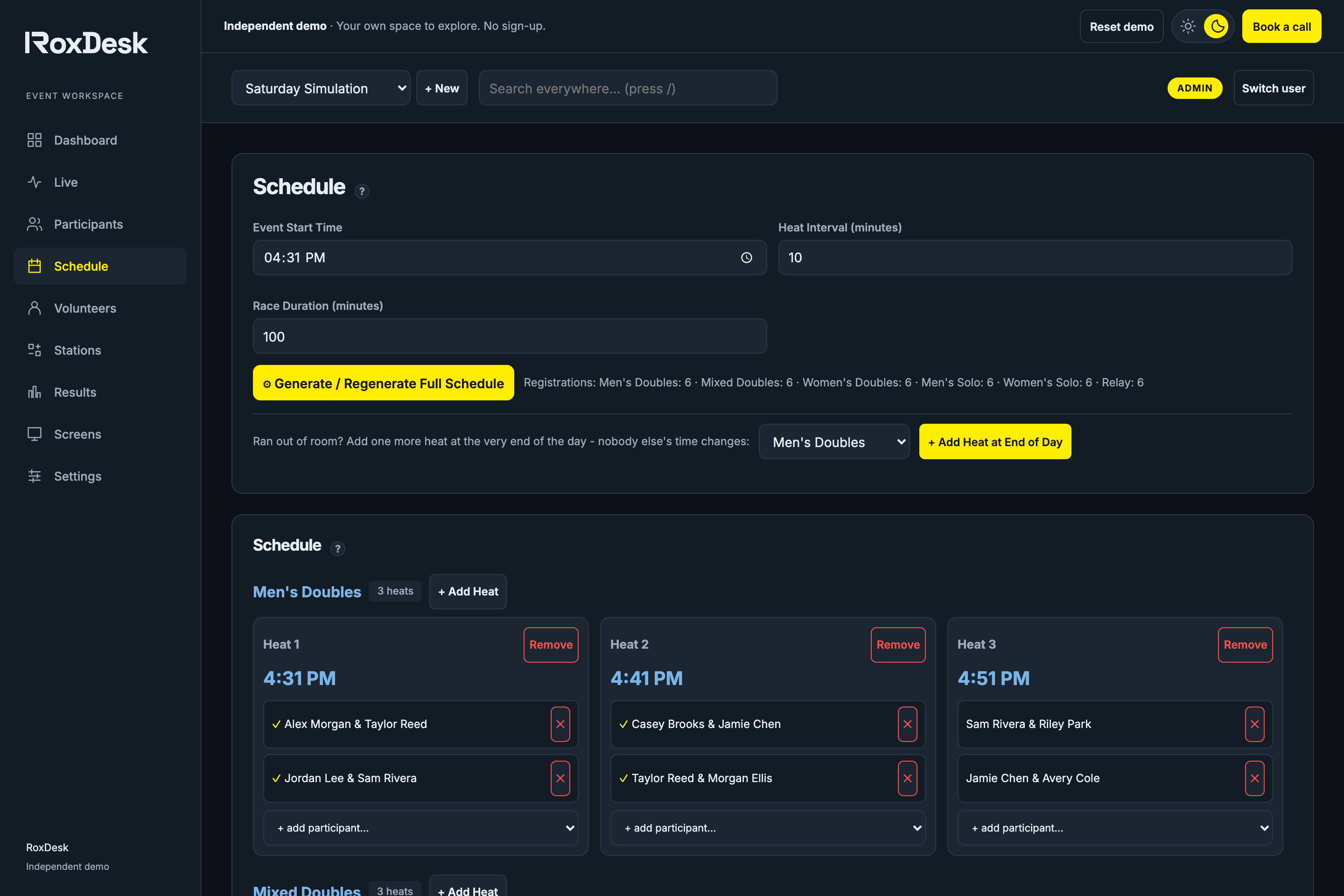
Import your participants, organize divisions and build a heat schedule. Adjust the plan when real life happens.
PARTICIPANTS + HEATSBUILT FOR GYM-RUN SIMULATIONS
Plan heats, publish athlete start lists and record finish times in one event workspace. Give your gym team a clear schedule, volunteer assignments and race-day screens for your next HYROX-style simulation.
No sign-up. Sample event included. Make it your own.
From the first heat
to the final finisher.
Athlete start-time lookup
Volunteer coordination
Live heat management
Venue-ready screens
PICTURE YOUR NEXT EVENT
From the start-line countdown to the results on the wall, give your members a race day they can feel part of.
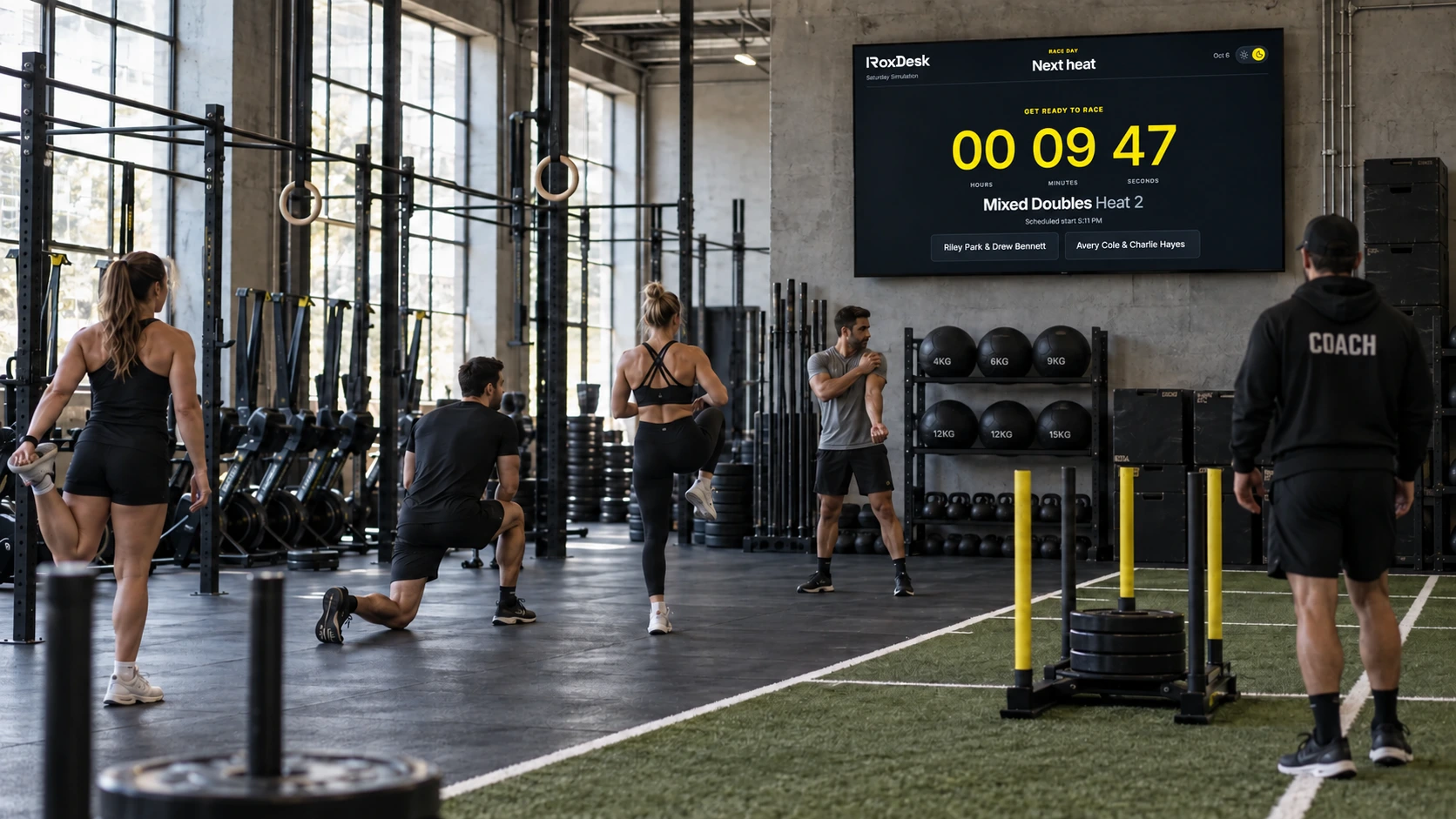
A countdown everyone can see. A start line ready to go.
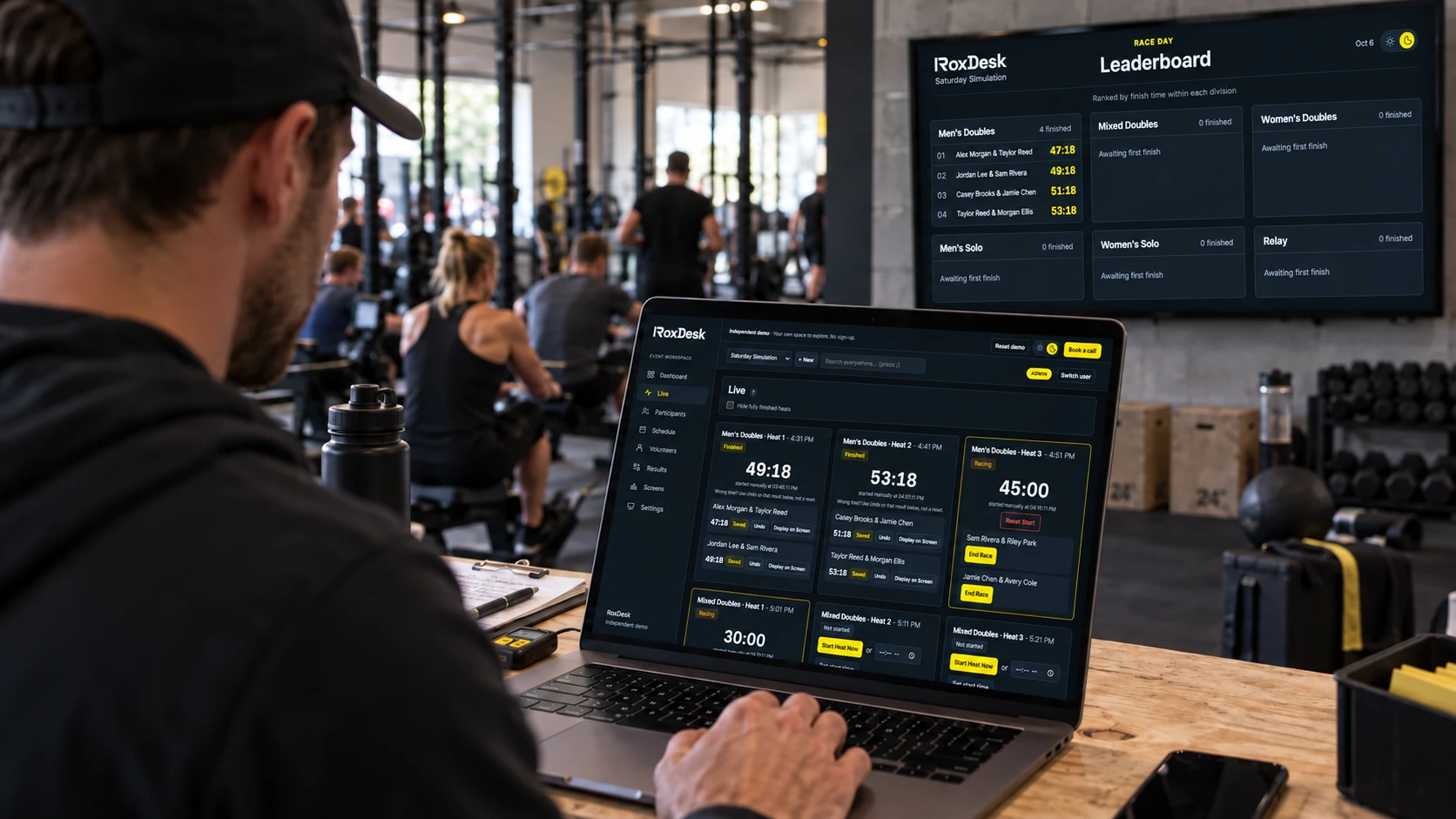
One workspace for your team. Results for the whole gym.
AI-generated gym concepts showing the software in use. Actual product screens are demonstrated below.
THE OPERATIONS, HANDLED
You have a gym to run. Give your team a clear plan, your athletes a start time, and your event the finish it deserves.
Import your participants, organize divisions and build a heat schedule. Adjust the plan when real life happens.
PARTICIPANTS + HEATSGive volunteers their station, arrival time and assignment. Spot coverage gaps before the first athlete starts.
VOLUNTEERS + STATIONSRecord finish times, follow the leaderboard and put the next heat on screen. Make the whole room part of race day.
TIMING + DISPLAYSREADY TO RUN
Your turnkey simulation toolkit, from the registration list to the results screen. Open the demo and work through a real event flow with realistic sample data.
Import your participant CSV, choose solo or doubles divisions, then check heat capacity and start times.
Assign volunteers to stations, check coverage and open the athlete start list before your first heat.
Start each heat, record finishes and review division results. Preview the leaderboard, start list and finish display in the demo.
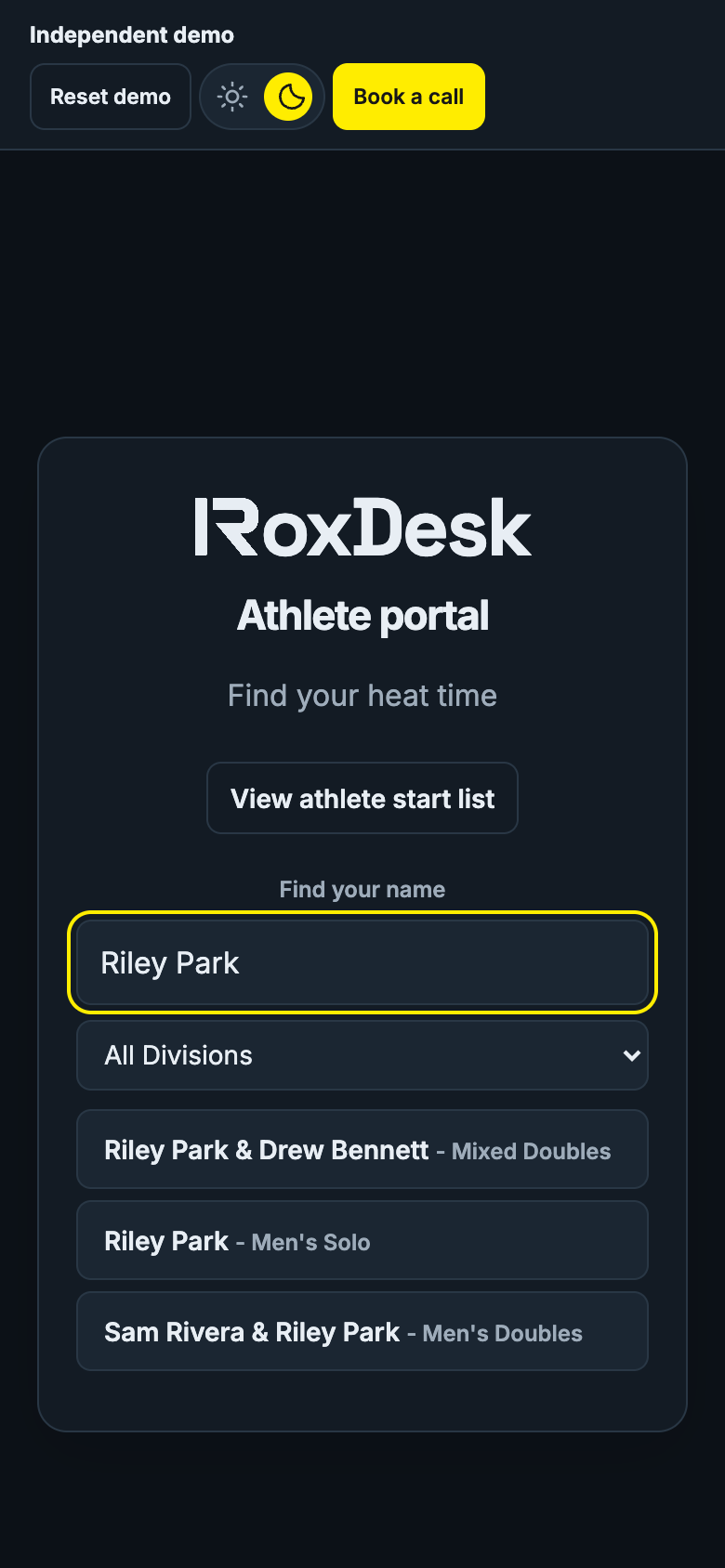
LESS ASKING. MORE WARMING UP.
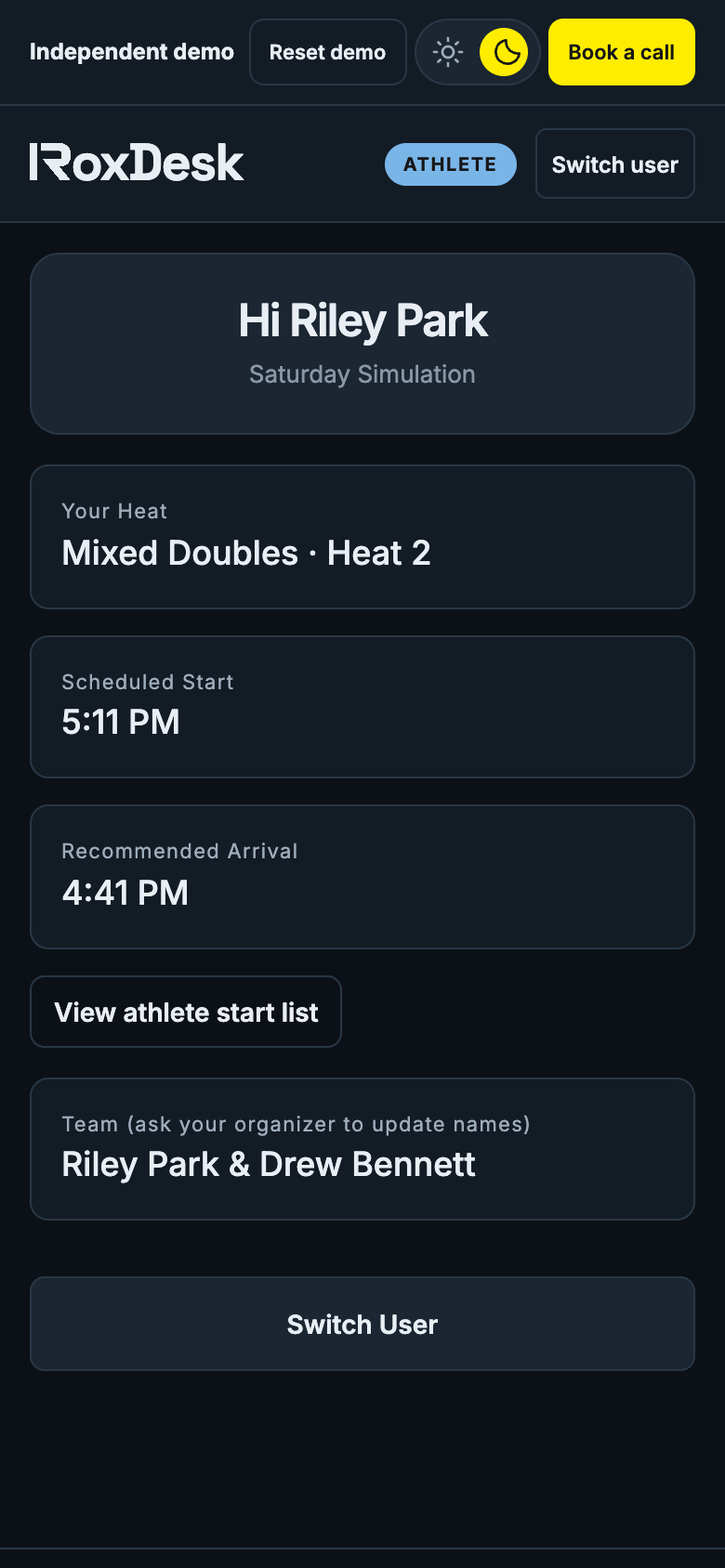
Athletes search their name and open their personal race-day view. Their heat, scheduled start and recommended arrival are right there, without asking your front desk.
Sample athletes included. Private browser demo; no cross-device synchronization.
BRING THE ROOM INTO THE RACE
Purpose-built views for the start line, finish line and everywhere in between. Preview the actual screens below.
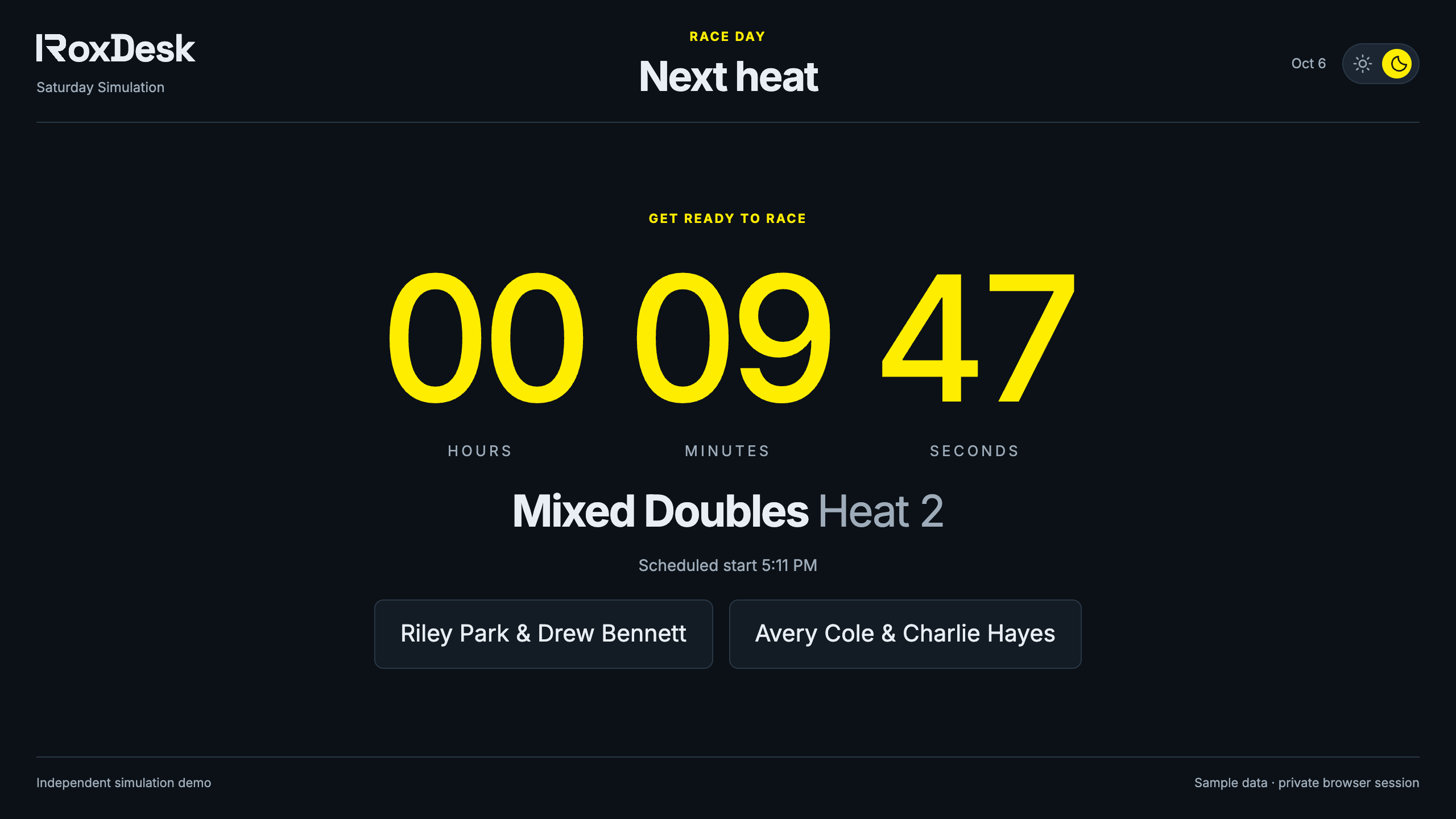
A large countdown and a clear roster keep the start line moving.
ACTUAL DEMO SCREENYOUR EVENT, WITHOUT THE PATCHWORK
Built for gyms hosting their own simulations, with the day-to-day details that a standalone timer leaves to you.
CHOOSE YOUR RACE-DAY TOOLKIT
Two launch plans. One gym. Save 20% with annual billing. All prices in CAD.
Monthly billing. Choose annual to save 20%.
The essentials for planning and timing your gym’s simulations.
$49 CAD billed monthly.
For gyms that want one workflow for their team, floor and screens.
$79 CAD billed monthly.
Proposed launch pricing, before applicable taxes. Annual plans are billed upfront for 12 months. Choose a plan to request a call; no payment is taken. Hosted subscriptions and plan limits are not active yet. Explore the full demo first ↗
A FEW THINGS TO KNOW
Start with participant management, a heat schedule, a way to record finish times and clear athlete start lists. RoxDesk brings these tasks together with volunteer assignments and venue-screen previews. Try the workflow with sample data before discussing a hosted setup for your gym.
No. This workspace focuses on running simulations and hybrid fitness events. Keep your existing membership, class booking and payment tools; import a participant CSV to organize your event here.
The demo runs in a web browser and uses manual heat starts and finish recording. It does not provide RFID timing, automatic station splits or payment processing. Preview the screens on your laptop and discuss your event requirements before booking a real setup.
Yes. The demo opens a ready-made event with athletes, heats, volunteers and results. Add people, change the schedule or create another event. No account or payment details are needed.
No. Each fresh demo entry starts a separate sandbox stored in your browser. Screen links follow that sandbox on the same browser; another visitor gets their own sample data.
It is designed for gyms running their own HYROX-style simulations and hybrid fitness events. RoxDesk is independent software and is not affiliated with HYROX.
You can add registrations manually or import a CSV, then organize participants into heats by division. For the public demo, use sample information rather than real athlete contact details.
The demo is for exploring the workflow. It stores sample data locally and does not synchronize across devices. Hosted gym accounts and multi-device synchronization are part of the upcoming production setup.
Basic covers participants, heats, timing, athlete results and core displays. Premium adds your custom gym logo, volunteer and station coordination, all venue screens, revenue reporting tools, and guided setup. These are the proposed launch packages. Monthly billing is $49 CAD for Basic and $79 CAD for Premium. Annual billing saves 20%: $470.40 CAD per year for Basic or $758.40 CAD per year for Premium, paid upfront before applicable taxes.
MAKE THE NEXT ONE YOUR BEST ONE
Step into the demo. Your sample race is already set up.
Tell us about your gym. Let’s plan your next simulation.